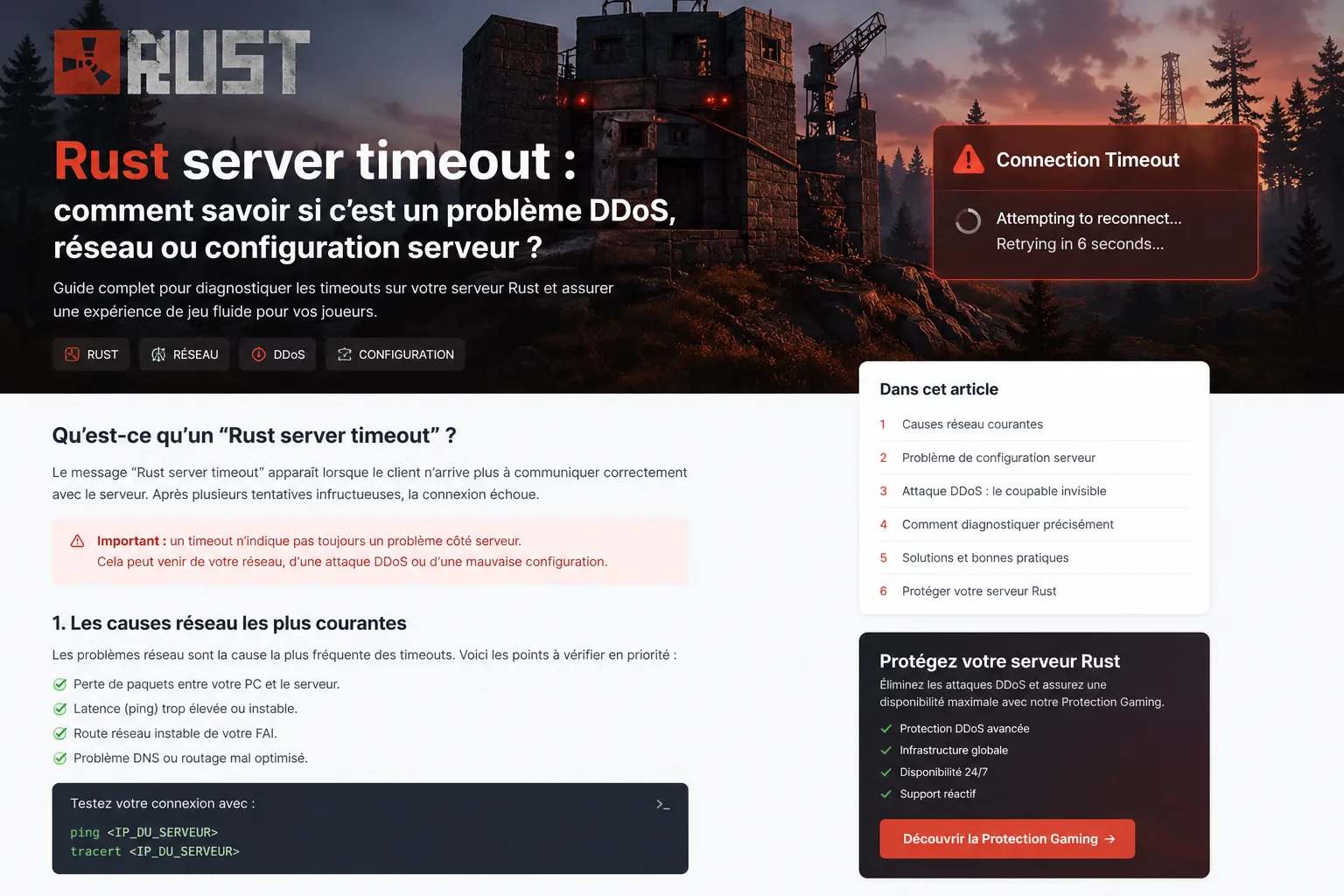
Rust server timeout: how to tell whether it is a DDoS, network or server configuration issue?
Complete technical guide for rust server timeout: packet loss, unstable routes, firewall, Steam ports, Rust server configuration, hoster filtering and gaming Anti-DDoS. Built to redirect discreetly toward Peeryx Gaming Protection.
Timeout is only a symptom
The message can come from routing, packet loss, firewall rules, server configuration or an ongoing attack.
Rust depends heavily on the network path
A server can look online while remaining hard to reach depending on country, ISP or time of day.
Configuration still matters
Ports, system firewall, query ports, bind IP, proxy or NAT issues can create intermittent timeouts.
Protection must stay transparent
Specialized gaming protection should filter attacks without breaking legitimate player joins.
The phrase “Rust server timeout” appears regularly in Steam and community searches because it is frustrating to diagnose: the server may look online, yet some players still time out before joining.
In practice, this timeout usually falls into three big families of causes: a network problem, a bad server configuration, or a DDoS / poorly adapted Anti-DDoS event.
This guide helps you separate those causes, build a cleaner diagnosis and understand when it makes sense to redirect your infrastructure toward more appropriate gaming protection.
Peeryx for exposed gaming servers
When a Rust server timeout actually hides a public network exposure problem
A Rust timeout does not automatically mean the machine is offline. The server may be reachable only sometimes while suffering packet loss, unstable routing, over-aggressive filtering, a bad network setup or a DDoS event. Peeryx Gaming Protection is the right entry point when availability and stability must be reinforced.
Rust server timeout does not always mean “server offline”
The client mainly says it could not complete communication with the server within the expected time. The machine may therefore be running, answer some players and still fail for others.
That is exactly why the problem is misleading: it may come from the host itself, but also from the network between the player and the server, from exposed ports or from degradation during an attack.
Player side
Repeated timeout at join, server appears then disappears, or unstable connection attempts.
Admin side
Machine looks healthy, load seems normal, but player feedback is inconsistent.
Business side
Each timeout hurts retention, donations and trust on a community server.
The most common network causes on Rust
Rust timeouts are often linked to packet loss, unstable latency, degraded peering, overloaded routing equipment, hoster-side pressure or an intermediate filtering layer that is too aggressive.
The symptom can also be regional: French players affected but not German players, or the reverse. That usually points more toward transit, routing or upstream mitigation than toward the Rust binary itself.
Compare complaints by country, ISP and time of day.
Measure ping, packet loss and stability from several real networks.
Check whether the problem appears mostly during peaks or during volumetric incidents.
Audit hoster firewall, system firewall and intermediate networking layers.
Consider whether generic Anti-DDoS may be causing false positives.
Rust server configuration: what to validate before migrating
Before blaming the network, validate the basics: correct exposed ports, proper bind IP, coherent query port, valid firewall rules, and no NAT conflict or broken reverse path.
A timeout may also start after a hosting migration, a new security rule, a plugin, a proxy change or a DNS publication problem if a domain name is involved.
1. Validate ports
Confirm that the ports used by the Rust server and associated services are open and reachable from the outside.
2. Validate bind and rules
Check listening IP, ACLs, nftables/iptables/ufw and every firewall layer in the panel or cloud.
3. Test after each change
Change one variable at a time so you do not hide the real cause.
When the timeout is actually caused by a DDoS event
A DDoS does not always show up as a huge visible Gbps spike. In gaming, it may be connection noise, join-phase abuse, intermediate saturation or repeated requests that damage perceived stability.
On the other hand, an overly generic protection layer may also hurt legitimate players. The server stays “up”, but the real experience gets worse: timeouts, failed joins or highly inconsistent connectivity.
Volume
The link or hoster is saturated and all traffic degrades.
Connection
The join phase or critical exchanges are targeted to trigger expirations.
False positive
The active protection filters gaming traffic too broadly and harms real players too.
Fast diagnostic method to avoid wrong decisions
The most efficient way is to isolate the failing layer: network, configuration or security. Migrating too quickly often just moves the same problem elsewhere.
A good diagnosis also tells you whether you only need a local fix or whether your public entry point should be better protected.
1. Read logs and timeline
Correlate timeouts with hours, load peaks, alerts and player complaints.
2. Test from several networks
Run checks from different countries, ISPs and machines to identify regional patterns.
3. Review the security context
If the issue follows suspicious peaks, handle it as a DDoS or mitigation incident.
Why the Gaming Protection page can become relevant
When a Rust server has real community or business value, leaving the backend IP directly exposed becomes risky. A gaming protection strategy helps structure the public entry, analyze incidents and reduce the impact of network abuse.
Peeryx centralizes that approach through its Gaming Protection page: game-oriented thinking, connection stability, cleaner traffic and a more credible architecture for exposed game servers.
Reduce direct backend exposure.
Absorb network incidents and DDoS events more effectively.
Improve player-perceived stability during peaks.
Keep the protection compatible with real gaming usage.
Use it as an entry point before more specific game-focused designs if needed.
Table: likely cause, visible sign and priority action
Here is a quick reading of the most common causes behind rust server timeout.
Likely cause
Visible sign
Recommended action
Packet loss or unstable route
Only some players are affected
Test from several ISPs and audit the network path
Firewall or wrong port setup
Timeout right after a change or migration
Review ports, bind IP, NAT and system rules
Hoster / generic filtering
Server is online but reachability is inconsistent
Compare with more appropriate gaming protection
DDoS or connection noise
Degradation during peaks or suspicious events
Treat it as a network protection incident
Incomplete server configuration
Problem persists even outside incidents
Review Rust configuration and every exposed service
Why this page covers Rust searches across Europe
Searches change by country: “rust server timeout”, “serveur Rust timeout”, “Rust Server Zeitüberschreitung”, “timeout servidor Rust” or “Rust server time-out”. Translating the article into every site language helps capture those local intents.
This approach attracts administrators who already face a real issue, then naturally redirects them toward the Gaming Protection page when the root cause goes beyond a simple local configuration problem.
FAQ: Rust server timeout
Is it always a server problem?
No. The message may come from the network, a firewall, unstable routing, a DDoS event or a bad server setup.
Should I change hoster immediately?
Not necessarily. First isolate the failing layer so you do not move the same problem somewhere else.
Can a DDoS create timeouts without fully taking the server down?
Yes. An attack or connection noise can degrade reachability without making the server completely offline.
Why redirect toward the Gaming Protection page?
Because it is the Peeryx entry point for exposed gaming infrastructures before more specific game-focused solutions are deployed.
Conclusion
Rust server timeout is a symptom to interpret, not a final diagnosis. The real cause may be network-related, configuration-related or DDoS-related.
If your Rust server matters to a community or commercial activity, it makes sense to go beyond local troubleshooting and evaluate a stronger gaming protection approach.
Resources
Related reading
To go deeper, here are other useful pages and articles.
Does your Rust server become unstable during peaks or attacks?
Peeryx helps gaming infrastructures stabilize their public exposure with a game-oriented Anti-DDoS approach: cleaner traffic, better visibility and a more resilient entry point for players.